Single
16 credits
$6.90
One 8-second 720p dance video on Standard
- Use credits for available generation
- Available settings shown in the studio
- Review your result before sharing
- Credits never expire
- One payment. No subscription.
Make a Hop Hop Hop AI dance video from one or two photos of adults or pets. Choose who hops, who squashes and when they swap roles.
Add photos to the studio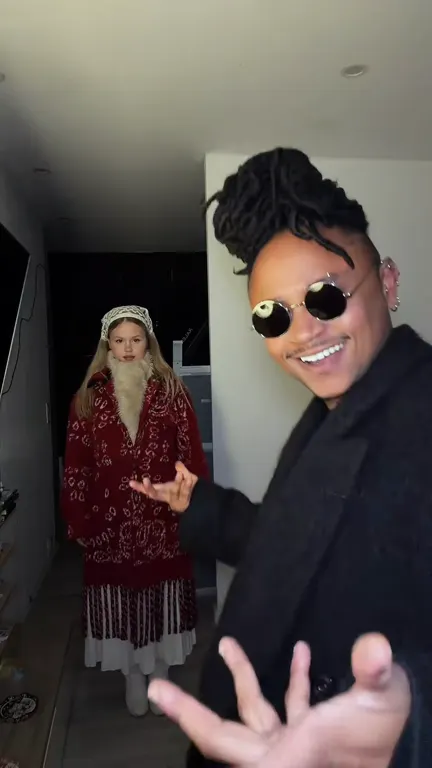 @nirami1TikTok · filmed
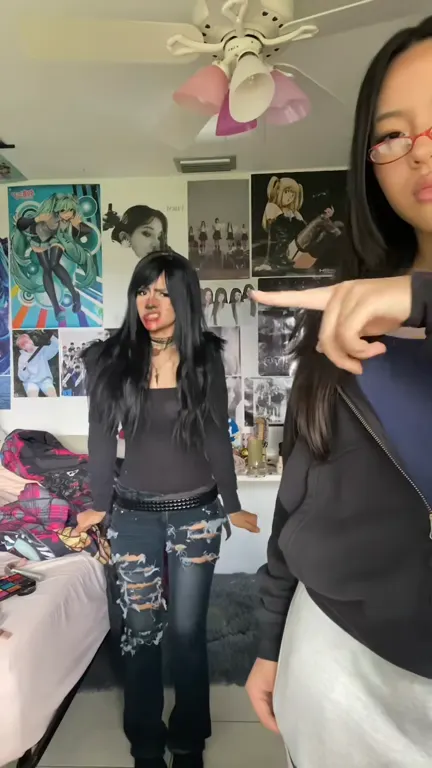 @gabilagabaTikTok · filmed
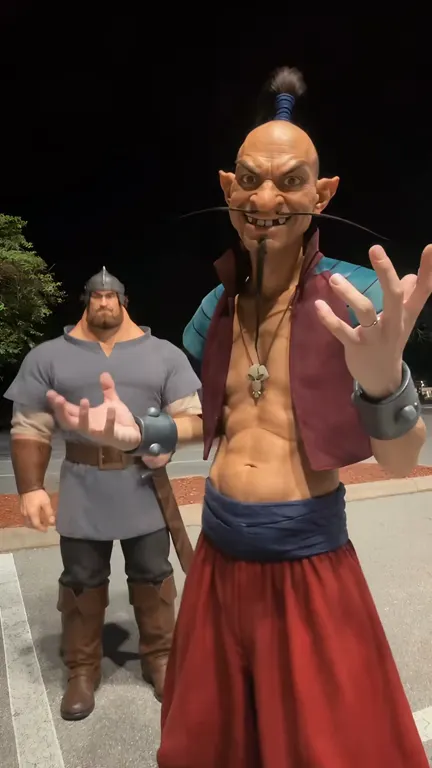 @pouzato7TikTok · AI
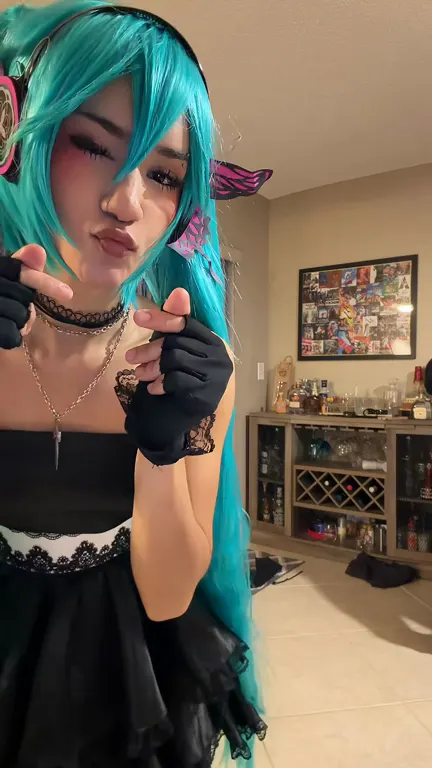 @gabilagabaTikTok · filmed
Popular TikTok references · credited to their creators · not generated by this website.
Made in Hop Hop Hop AI
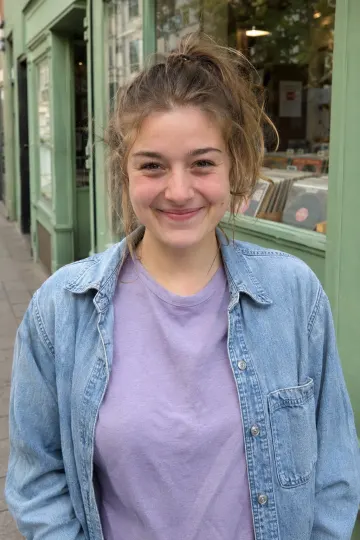
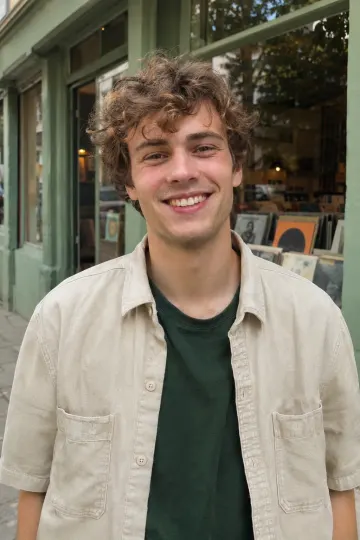
We used one AI-created portrait per dancer. Watch them swap places in the finished 8-second vertical MP4 with music, made on Standard at 720p for 16 credits. The Single pack costs $6.90 for 16 credits, with no subscription.
FROM PHOTO TO DANCE IDEA
Hop Hop Hop AI is a photo-to-video studio for the playful duo dance trend. In the reference clips, one subject stands close to the camera while the other hops farther back. A hand gesture makes the distant subject appear to squash down, then a cut swaps their roles.
Start with one or two clear photos of adults or pets you have permission to animate. Choose photos with visible faces and a simple background. Watch the credited TikTok creators above for ideas on when to hop and when to swap.
Choose who plays each role, upload your photos and make a vertical dance video with the original trend audio. Your finished MP4 is ready to download from your account.
@nirami1TikTok · filmedHOW IT WORKS
Choose your photos, set the scene and check the credit cost before you generate.
Choose one or two clear photos of adults or pets. Use pictures you own or have permission to animate, with the subject easy to see.
Pick a dance scene, add a short direction, and review the available settings. Keep the pose and mood simple for your first attempt.
Review the credit estimate, sign in and confirm permission to use your photos. Track the video in your account after you submit.
Choose a one-time Hop Hop Hop AI credit pack or a subscription. Each video costs credits based on the model, resolution and duration you select.
Standard at 720p: 8 seconds uses 16 credits.
16 credits
One 8-second 720p dance video on Standard
50 credits
$5.80 / 10 credits
350 credits
$2.83 / 10 creditsSave 34%
900 credits
$2.21 / 10 creditsSave 49%
3,000 credits
$1.66 / 10 creditsSave 61%
Divide a pack’s credits by the cost of one video at your chosen settings to see how many complete requests it covers. Savings compare the price per credit with the Single pack.
Compare credits and billing periods before choosing a plan.
100 credits / month
$2.99 / 10 credits
300 credits / month
$1.66 / 10 credits
800 credits / month
$1.25 / 10 credits
Yearly prices show the monthly equivalent; the full annual amount is billed once. Yearly credits are granted together. Subscription credits expire at the end of the billing period they were issued for. Savings compare price per credit with the matching monthly plan.
Credits per second by model and resolution
| Model | 480p | 720p | 1080p |
|---|---|---|---|
| StandardSeedance 2.0 Mini | 1 | 2 | — |
| FastSeedance 2.0 Fast | 2 | 3 | — |
| ProSeedance 2.0 | 2 | 5 | 11 |
| UltraSeedance 2.5 | 3 | 7 | 17 |
Multiply the rate by your video length in seconds. A dash means that option is unavailable.
Review your full price and payment method before checkout.
SMALL CHOICES. PERSONAL RESULTS.
Keep your photos, creative direction, credit cost, and video status together.
Only use photos you may animate. Confirm consent before submitting adult or pet photos to the AI service.
Prepare a solo, pet, or duo idea with clear subjects. Available input options are shown in the studio.
Add a mood, an occasion, or a simple scene direction. A short description helps keep your idea focused.
Open the studio in your browser. Choose photos and review your settings on mobile or desktop.
The studio shows the available credit cost before submission. Check it again whenever you change settings.
Signed-in users can review recent requests and their status. Download a completed video while its link is available.
FAQ
Turn one or two photos of adults or pets into a dance video. In the classic vertical clip, the subject near the camera appears to press down on the dancer hopping in the distance. Then they swap places. Watch the credited TikTok clips above to see the move.
Yes. Choose My twin and upload one clear, front-facing photo of yourself. You play both dancers: you press down in the foreground and hop in the background, then the two versions of you swap places.
Use well-lit, sharp photos with a clearly visible subject and enough room around the body. Avoid crowded backgrounds, heavy filters, and cropped faces. You must have permission to animate each photo, and any people shown must be adults.
Yes. Your Hop Hop Hop AI video includes the original trend audio in the downloaded MP4. The movement follows your photos and direction, so the steps can vary. If you publish the clip, make sure you have the rights to share the music on that platform.
Sign in and choose your cast and add your photo or photos. The studio starts with an 8-second clip at Standard 720p. Pick your scene, review the credit estimate and confirm you have permission to animate everyone shown. Select Make my video, then follow its progress in your account.
The model and resolution set the rate in credits per second. Multiply that rate by the length of your clip, or check the estimate in the studio before generating. The pricing table shows the price, credit total and billing period for each pack or plan.
No. One-time credit packs are listed alongside optional subscriptions. Packs and subscriptions have different billing and credit-expiry terms. Check the selected plan and payment currency before checkout. When purchases are unavailable, the page says so and does not take payment.
Yes, the studio is browser-based and adapts to smaller screens. You can choose photos from your device and review the same scene controls. Keep the page open while checking your task, and save the video when a completed download becomes available.
You can preview your photos in your browser before submitting. When you generate a video, your selected photos and creative direction go to APIMart for review and generation. See the privacy policy for details about processing your photos.
Who gets squashed first? Choose your photos, put one dancer near the camera and let the other hop in the background.
Learn more in our Privacy Policy